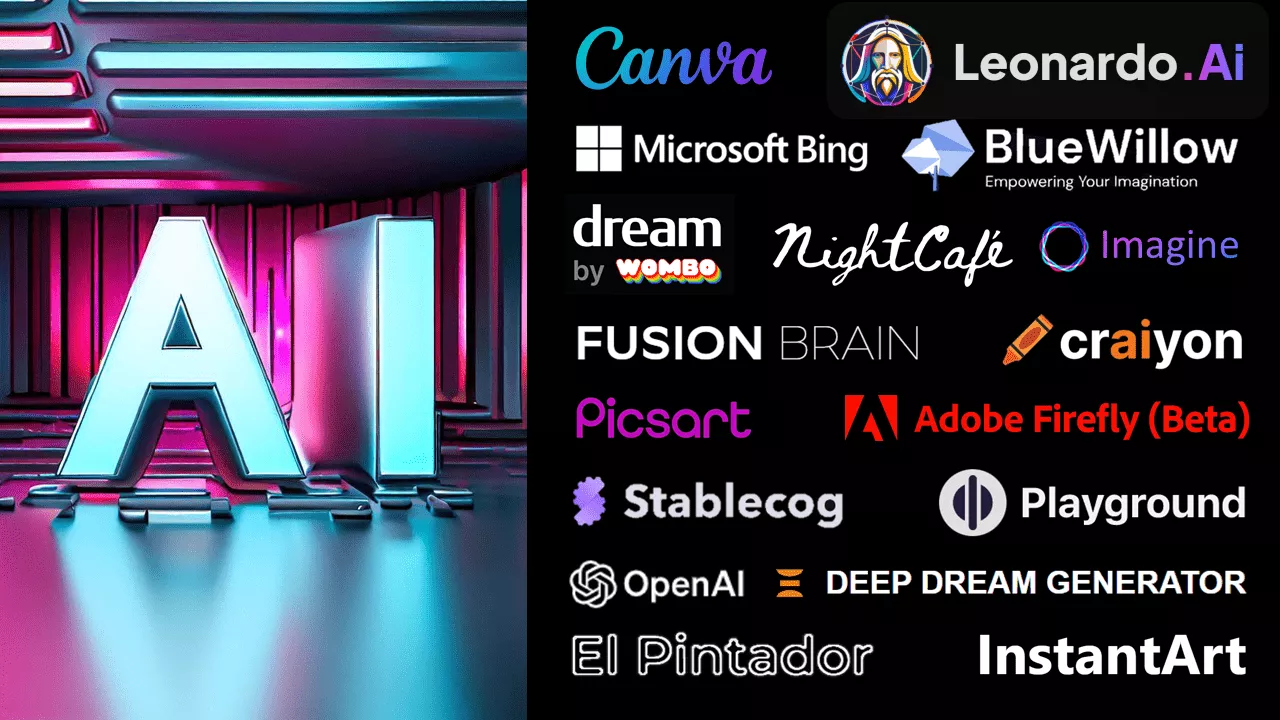
AI Tools – Visual Artificial Intelligence (Images)

How do you get started? And what is this ‘prompt’ that everyone is talking about?

To get started, you need to have an idea!
An imagination you have in your head, or inspiration from a text/event you experienced. And now you need to express it in words.

The description should be rich (describe what you imagine) and relate to the space of the image, its style, colors, period, and more.

Please note! Most sites do not support Hebrew, so you will have to translate your wording (or use Google Translate ).
It is worth looking at additional images that appear in the various tools, you can get additional inspiration, and in some of the tools you can see which prompts were used to create the image you see. You can learn a lot from this.

You can use the Prompt Keyword Guide – originally designed for Midjourney  (a paid tool), but also useful and enriching when using other AI image tools, including free ones.

Please note, the field is very dynamic, new tools appear every day. Tools that are free today may later become paid tools. Always check the latest terms of use for the tools you use

Facebook groups for sharing, tutorials, support, and inspiration

The mechanical brush – Ai art

Midjourney ai Israel – Midjourney Israel
List of free tools

Guides for working with visual artificial intelligence

We have searched for some general and specific guides for the various tools, and they are presented here.
Please note that the field is constantly updated, so some of the links may not work in the future. It is always worth searching Google for the name of the tool and the word ‘guide’, or the action you are trying to perform (preferably in English), and you will be able to find countless additional guides, and later also more up-to-date ones.

Another tip: If you find a successful guide on YouTube/some website, visit the creator’s channel or other pages on the site – and you’ll probably find more guides and explanations in the field there!
It’s recommended to combine work with additional tools, such as ChatGPT, and use it for creative and descriptive writing.

Editing a photo in Photoshop – not what you thought!

You can change parts of the image, delete unnecessary parts, and expand the image – both in Photoshop and in the free Firefly tool .

In a similar way, you can ‘fix’ and edit images with tools like Canva , Dall-E2 , Leonardo , and more!

(Video by Shahar Golan

How to use Leonardo AI?

A comprehensive guide for beginners!

(Video of Maya from somewhere online )


כובע אקדמיה למי שרוצה ללמוד במכללה האקמית הרצוג

Want to study at Herzog?

Our study and registration advisors are here for all your questions. Leave your details and we will respond as soon as possible.

תודה על ההתעניינות!

יועצי הלימודים והרישום שלנו יצרו איתך קשר בהקדם